Search By Model

Showing posts with label Realme Flash File. Show all posts

Thursday, September 3, 2026

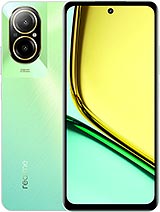
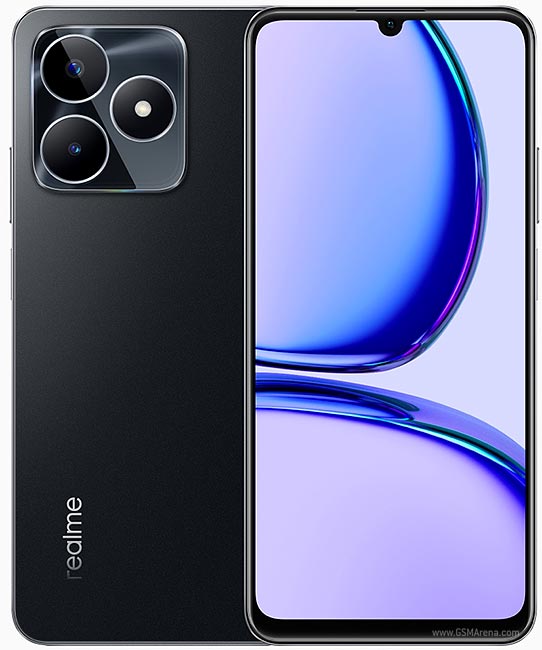
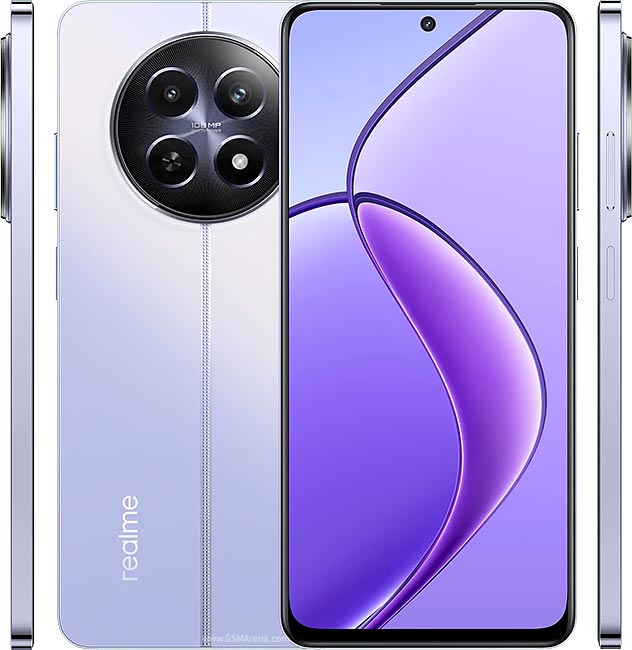
Realme C21 RMX3061 Official Stock Firmware Flash File

Official Stock Firmware & Flash File for Realme C21 RMX3061 Official Stock Firmware

Download the verified stock ROM and official flash files for Realme C21 RMX3061 Official Stock Firmware. Whether your device is suffering from hard-brick or soft-brick states, stuck on the boot logo, infected with adware/malware, encountering baseband unknown errors, or you simply wish to restore pristine factory stock Android/OS settings, this official package contains all original firmware binaries to restore your phone to 100% working order.
Package Technical Specifications
Device Name Realme C21
Device Model RMX3061
Chipset MediaTek Helio G35 (MT6765G)
Android OS Android 11 (Realme UI 2.0)
Region Global / Asia
Firmware Build Realme_C21_RMX3061_VDF_11_A.14_210806
Package Type Scatter Flash File with Preloader & Flash Tool
File Size 8.02 GB

⚠️ Essential Pre-Flashing Safety Checklist

  • Sufficient Battery Charge: Maintain at least 50% to 70% battery level before starting. A power cut mid-flash can cause hard-brick hardware corruption.
  • Full Data Backup: Installing factory firmware wipes user partitions, including contacts, SMS, applications, and gallery media. Always backup beforehand.
  • OEM USB Data Cable: Use an original or high-spec data cable. Connect directly into the rear USB motherboard ports of desktop PCs rather than front panels or USB hubs.
  • Verify Model Number: Ensure your device's exact model number matches the firmware build. Flashing cross-variant ROMs can result in disabled Wi-Fi, baseband failure, or dead boot.
⚙️ MediaTek (MTK) SP Flash Tool Guide for Realme C21 RMX3061 Official Stock Firmware

Step-by-step firmware installation guide using the official Smart Phone (SP) Flash Tool:

  1. Install MTK USB VCOM Drivers: Install official MediaTek USB Preloader drivers on your Windows computer. (On Windows 10/11, disable driver signature enforcement if driver installation fails).
  2. Extract Firmware & Tools: Extract the firmware archive. Verify the presence of the Android_scatter.txt file and partition image files (boot.img, recovery.img, system.img).
  3. Launch SP Flash Tool: Open the extracted tool folder and execute flash_tool.exe with Administrator privileges.
  4. Load Scatter Configuration: Click the Scatter-loading button on the right side and browse to the extracted firmware folder to choose Android_scatter.txt.
  5. Select Flashing Mode: Set the dropdown to "Download Only". Crucial: Avoid using "Format All + Download" as it completely erases NVRAM calibrations, deleting your device IMEI numbers.
  6. Start Download Queue: Click the green Download arrow button at the top header.
  7. Connect Device (Powered Off): Power off your device completely. Hold Volume Down (or connect without buttons) and plug the USB cable into the PC. SP Flash Tool will detect the MTK preloader port, flash the partitions (progress turns yellow), and show a green circle with Download OK.
High-Speed Direct Firmware Mirrors
🔒 Original Stock Binary • Tested Clean • No Ad Shorteners

❓ Frequently Asked Questions & Troubleshooting

Q: My Realme C21 RMX3061 Official Stock Firmware is stuck in a bootloop after flashing. How do I fix it?

A: Boot the phone into Stock Recovery Mode (Power + Volume Up). Use the volume keys to navigate to "Wipe Cache Partition" and confirm. Next, select "Wipe Data / Factory Reset". Reboot the device. The first boot after a full flash may take 5 to 10 minutes.

Q: The flashing tool does not detect my device when connected.

A: Open Windows Device Manager and look for yellow warning icons under Ports (COM & LPT) or Universal Serial Bus controllers. Reinstall the dedicated OEM USB Driver, try a different USB port (preferably USB 2.0), and restart your PC.

Q: Does flashing official stock ROM void my warranty or trip Knox?

A: No. Installing official, untouched manufacturer factory stock firmware does not trip security counters (such as Samsung Knox) and restores your device to genuine manufacturer condition.
Educational & Safe Harbor Notice: All product names, logos, firmware archives, and registered trademarks belong to their respective corporate copyright holders (e.g. Samsung Electronics, Apple Inc., Nokia, Google LLC). Mobile Flash File Store is an educational and technician unbricking resource. We do not host proprietary software on our servers. If you are a copyright owner and wish to request removal of an external link, please contact us via our Contact Page for immediate resolution.

Followers