Download Samsung Odin Downloader v3.14.4 (Latest Official Flashing Tool)
Download the latest official release of Download Samsung Odin Downloader v3.14.4 (Latest Official Flashing Tool). Universal stock firmware, bootloader, modem, and pit partition flashing utility for all Samsung Galaxy devices. Whether you are an experienced mobile software technician or troubleshooting your personal device, this utility provides tested, direct communication with your phone's low-level bootloader and recovery partitions.
⚠️ Essential Requirements Before Flashing
- USB Driver Installation: Ensure the matching manufacturer USB drivers are installed on your Windows PC prior to connecting your phone.
- Battery Level: Always ensure your mobile device has at least 50% to 70% charge to prevent accidental power cuts during low-level writes.
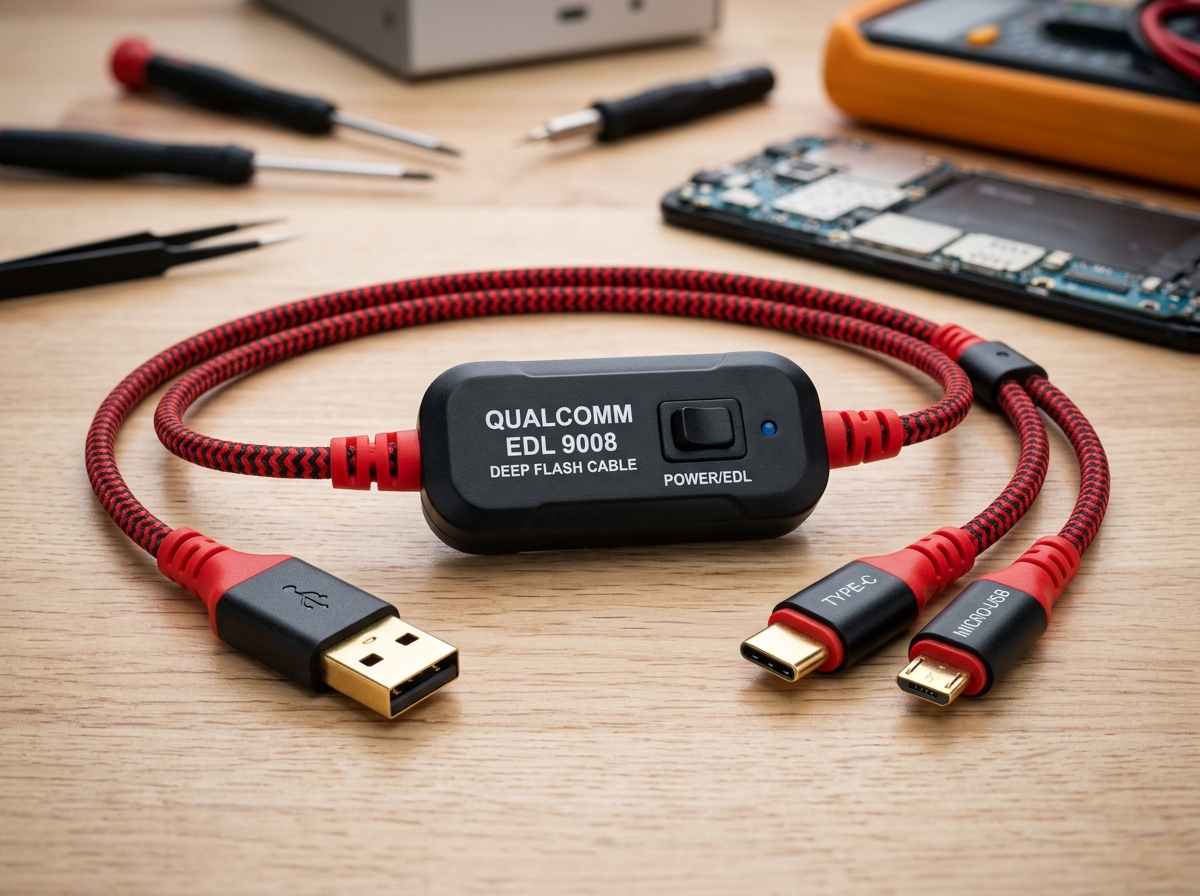
- Original USB Cable: Use an authentic OEM data cable connected directly to your PC motherboard's rear USB ports rather than external hubs.
- Data Backup: Flashing full factory firmware typically wipes internal storage, so create a full backup of all critical personal data beforehand.
❓ Troubleshooting & FAQ
Q: What should I do if Odin fails with 'FAIL! (Auth)' or 'FAIL! (Blocked by FRP Lock)'?
A: Ensure OEM Unlocking and USB Debugging are enabled in Developer Options, and verify you are flashing firmware with a binary/bootloader version (U/S bit) equal to or higher than what is currently installed on your device.