Official Stock Firmware & Flash File for OnePlus Nord CE 2 Lite 5G CPH2381 Official Stock ROM Flash File (OxygenOS)
Download the verified stock ROM and official flash files for OnePlus Nord CE 2 Lite 5G CPH2381 Official Stock ROM Flash File (OxygenOS).
Whether your device is suffering from hard-brick or soft-brick states, stuck on the boot logo, infected with adware/malware, encountering baseband unknown errors, or you simply wish to restore pristine factory stock Android/OS settings, this official package contains all original firmware binaries to restore your phone to 100% working order.
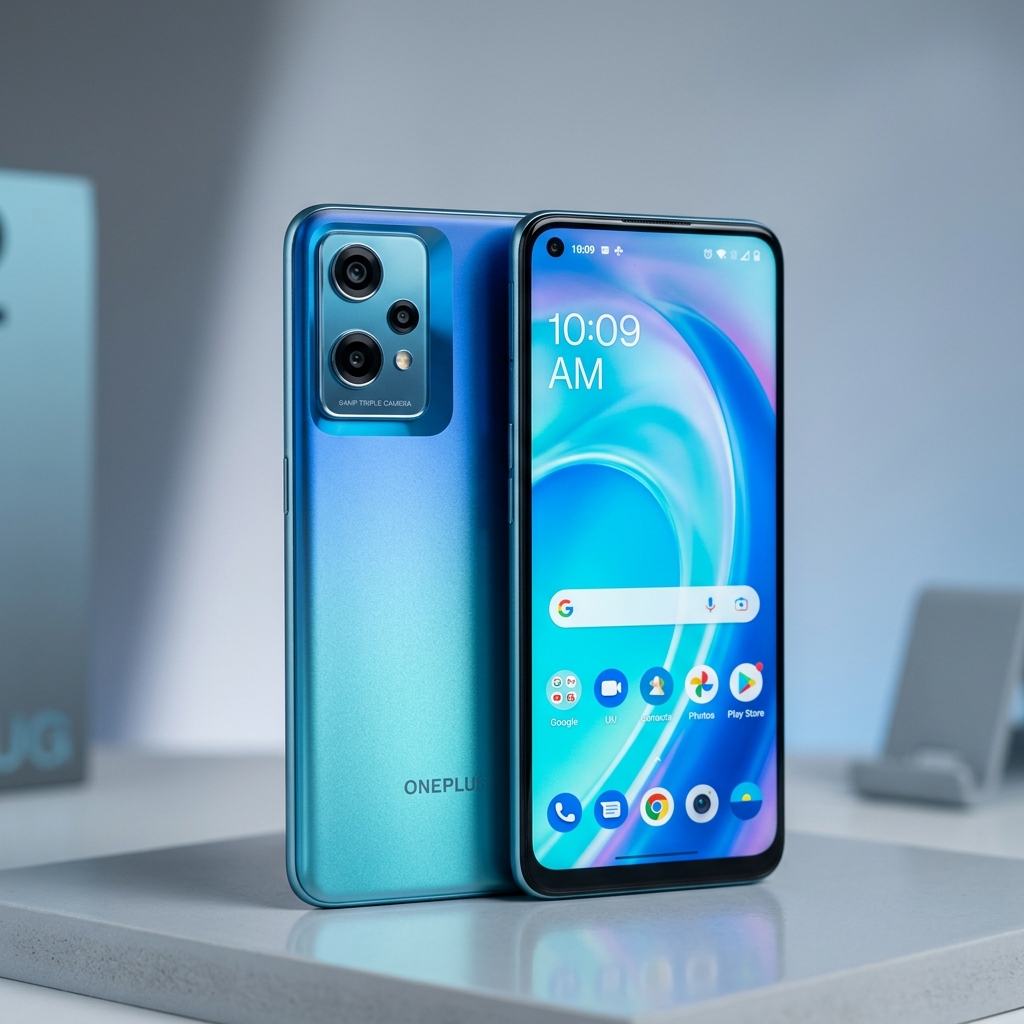
Package Technical Specifications
| Device Name |
OnePlus Nord CE 2 Lite 5G |
| Device Model |
CPH2381 / CPH2493 |
| Chipset |
Qualcomm Snapdragon 695 5G (SM6375 6nm) |
| Android OS |
Android 12 / 13 (OxygenOS 12 / 13 Global) |
| Region / Country |
Global / EU / India Stable |
| Firmware Build |
OnePlus_Nord_CE_2_Lite_5G_CPH2381_EX_11_A.05_220325 |
| Security Patch |
Official OnePlus Stable Release |
| Package Type |
Official Fastboot Firmware & MSM EDL Unbrick Package |
| Flashing Tool |
OnePlus MSM Download Tool / Fastboot Flasher |
| File Size |
4.41 GB |
⚠️ Essential Pre-Flashing Safety Checklist
- Sufficient Battery Charge: Maintain at least 50% to 70% battery level before starting. A power cut mid-flash can cause hard-brick hardware corruption.
- Full Data Backup: Installing factory firmware wipes user partitions, including contacts, SMS, applications, and gallery media. Always backup beforehand.
- OEM USB Data Cable: Use an original or high-spec data cable. Connect directly into the rear USB motherboard ports of desktop PCs rather than front panels or USB hubs.
- Verify Model Number: Ensure your device's exact model number matches the firmware build. Flashing cross-variant ROMs can result in disabled Wi-Fi, baseband failure, or dead boot.
🔧 Qualcomm Flash Image Loader (QFIL) Flashing Guide for OnePlus Nord CE 2 Lite 5G CPH2381 Official Stock ROM Flash File (OxygenOS)
Authoritative guide for unbricking and restoring Qualcomm devices via QFIL / QPST (EDL 9008 Mode):
- Install Qualcomm QDLoader Drivers: Install official 32/64-bit Qualcomm HS-USB QDLoader 9008 drivers and restart your computer.
- Decompress Firmware Package: Extract your firmware archive. Confirm the presence of the Firehose Programmer file (
prog_firehose_ddr.elf or .mbn), rawprogram0.xml, and patch0.xml.
- Launch QFIL: Open
QFIL.exe located in C:\Program Files (x86)\Qualcomm\QPST\bin\.
- Configure Build Type: Under Select Build Type, choose "Flat Build".
- Load Programmer & XMLs:
- Click Browse next to Programmer Path and select
prog_firehose_*.elf / .mbn.
- Click Load XML..., select
rawprogram0.xml, followed immediately by patch0.xml.
- Enter Emergency Download (EDL) Mode: Turn off device. Hold Volume Up + Volume Down and plug in the USB cable (or short motherboard EDL Test Points). The QFIL header will turn from "No Port Available" to "Qualcomm HS-USB QDLoader 9008 (COM#)".
- Initiate Flashing: Click the blue Download button. Wait until the output console confirms "Download Succeed" and "Finish Download". Disconnect cable and boot device.
High-Speed Direct Firmware Mirrors
🔒 Original Stock Binary • Tested Clean • No Ad Shorteners
❓ Frequently Asked Questions & Troubleshooting
Q: My OnePlus Nord CE 2 Lite 5G CPH2381 Official Stock ROM Flash File (OxygenOS) is stuck in a bootloop after flashing. How do I fix it?
A: Boot the phone into Stock Recovery Mode (Power + Volume Up). Use the volume keys to navigate to "Wipe Cache Partition" and confirm. Next, select "Wipe Data / Factory Reset". Reboot the device. The first boot after a full flash may take 5 to 10 minutes.
Q: The flashing tool does not detect my device when connected.
A: Open Windows Device Manager and look for yellow warning icons under Ports (COM & LPT) or Universal Serial Bus controllers. Reinstall the dedicated OEM USB Driver, try a different USB port (preferably USB 2.0), and restart your PC.
Q: Does flashing official stock ROM void my warranty or trip Knox?
A: No. Installing official, untouched manufacturer factory stock firmware does not trip security counters (such as Samsung Knox) and restores your device to genuine manufacturer condition.
Educational & Safe Harbor Notice: All product names, logos, firmware archives, and registered trademarks belong to their respective corporate copyright holders (e.g. Samsung Electronics, Apple Inc., Nokia, Google LLC). Mobile Flash File Store is an educational and technician unbricking resource. We do not host proprietary software on our servers. If you are a copyright owner and wish to request removal of an external link, please contact us via our
Contact Page for immediate resolution.

No comments:
Post a Comment